What Does a DJ Mixer Do? Understanding How DJ Mixers Work

March 3, 2026
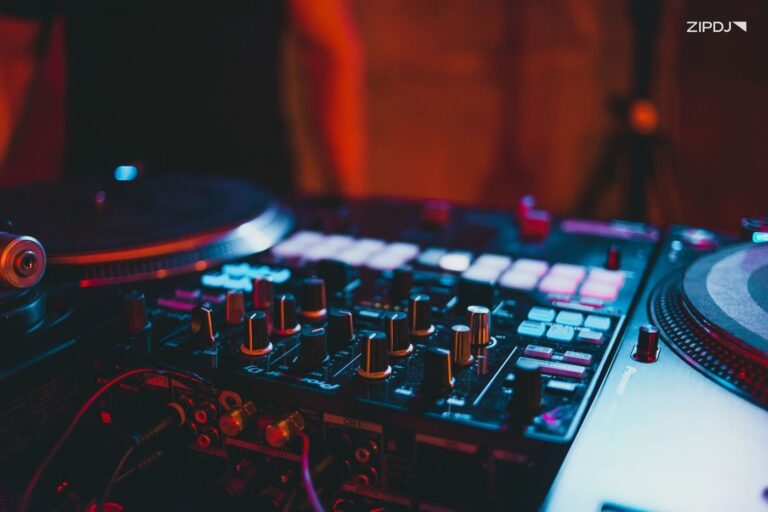
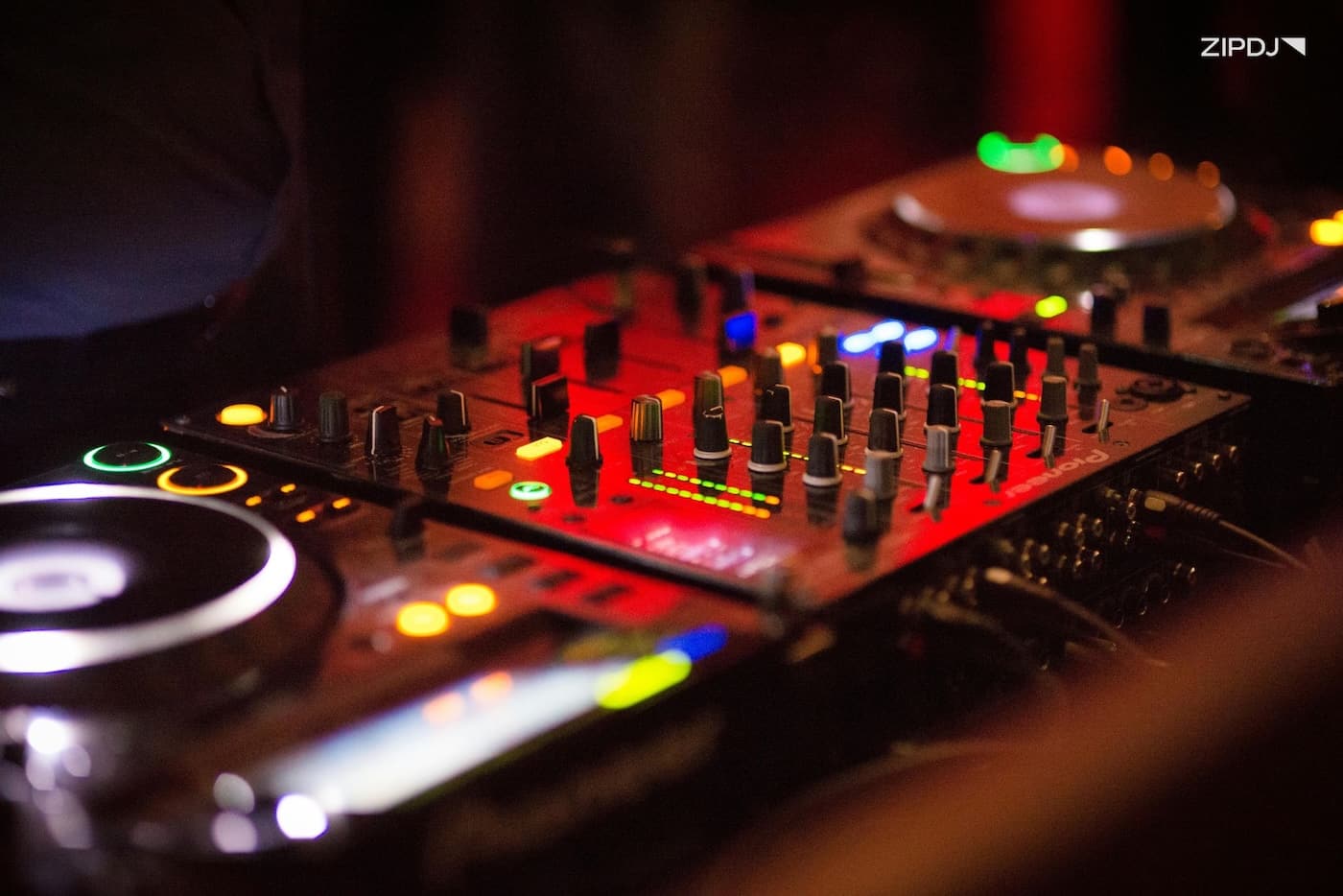
A DJ mixer is audio equipment that allows DJs to combine and control multiple audio sources during a performance.
Whether you’re mixing vinyl records, digital players, or using DJ software, the mixer acts as the central hub that routes and shapes the audio.
This guide explains what a DJ mixer does, how it works, and the core features DJs use to create seamless mixes.

What Does a DJ Mixer Do?
A DJ mixer lets you combine, control, and transition between multiple music sources during a live performance.
DJs use faders and knobs to control volume and frequency ranges, allowing them to perform across virtually all music genres.
The DJ mixer allows you to create a DJ set using the following core functions:
- Control volume levels between tracks.
- Adjust bass, mids, and treble with EQ.
- Preview tracks in headphones before playing them.
- Transition smoothly using faders and crossfaders.
- Route audio to speakers and recording devices.
- Apply filters and built-in effects.
These processes can be applied to two channels, with additional channels added for higher-end and professional club mixers.
How Does a DJ Mixer Work?
A DJ mixer incorporates a variety of functions that facilitate the art of DJing, with the core process as follows:
- Receiving audio signals through input channels.
- Adjusting input levels through gain.
- Shaping the sound of inputs using EQ knobs.
- Controlling transitions with the crossfader and channel faders.
- Sending sound to the speakers through the master output.
This process is sometimes combined with advanced features, such as samples and effects, that enable a broad range of DJ skills to be applied to sets.
Learn more: DJ set vs. DJ playlist.
Core Tools and Controls On A DJ Mixer
DJ mixers come in a wide variety, but there are several core tools and features that all models share.
Here’s a breakdown of these tools and controls, covering how they function and why this matters for DJing:
Channel Faders
What it does: Controls the volume level of the mixer’s individual audio channels.
Why it matters: Blending tracks smoothly by balancing each song’s volume.
One of the first features newcomers will explore with beginner DJ equipment is the channel fader, which allows DJs to mix music with gradual fades.
Gain & Trim Knobs
What it does: Adjusts input signal levels before they reach the channel fader.
Why it matters: Accurate gain settings ensure audio signals are strong while avoiding clipping and distortion.
With different audio sources often featuring variable volume levels, gain controls ensure these are normalized before mixing.
Equalizer Knobs
What it does: Adjusts the bass, mid, and treble frequency ranges for each channel.
Why it matters: Boosting or reducing frequencies to ensure elements of blended songs don’t clash.
The DJ mixer’s EQ knobs prevent mixes from becoming muddy or overcrowded, fading out bass and other frequencies for additional clarity.
Input Selector/Matrix
What it does: Allows DJs to select the audio source for each mixer channel, including turntables, CDJs, and controllers.
Why it matters: Providing additional DJ setup flexibility, particularly when using music from multiple formats.
Complex setups that use multiple players require mixers with multiple input options and routing flexibility.
Crossfader/Curve Control
What it does: Blends audio between two channels, with an adjustable curve control to manage transition speeds.
Why it matters: Performing smooth transitions, or quick cuts, is a technique commonly used by hip-hop DJs.
An essential feature for DJ scratching techniques, the crossfader can be fully customized on more advanced mixers.
Headphone Cue/Master & Split Cues
What it does: Allows DJs to monitor incoming songs before they’re played through the speakers.
Why it matters: Vital for beatmatching and aligning songs before transitions.
Monitoring is a core skill, and the best DJ headphones allow DJs to compare the cue track and master output.
Microphone Input
What it does: Connects a microphone to the mixer, enabling speech and vocal performances.
Why it matters: Allowing the DJ to interact with the audience, such as MCing and making announcements.
Microphones are an optional DJ accessory, often associated with mobile DJing, and a microphone input is often found on the best DJ controllers and mixers.
Master/Booth Outputs
What it does: Sends the main audio signal from the mixer to the speakers or booth monitors.
Why it matters: Ensures full control over the main sound system while monitoring levels independently.
Master and booth outputs are particularly important in larger venues, where the DJ speakers may experience delays, requiring separate monitoring.
Learn more: The best DJ software for Windows.
Types Of DJ Mixers
Mixers are deeply embedded in the history of DJ equipment, and have evolved significantly since the early days of vinyl DJing.
Let’s break down the different types of DJ mixers and their common applications for DJing:
Two-Channel Mixers
What it’s for: Mixing between two audio sources, such as two turntables or media players.
Who should use it: Ideal for beginner DJs and scratch DJs using a minimalist setup.
Two-channel mixers are straightforward to use, making them ideal for learning the ropes and planning your first DJ set.
Four-Channel Club Mixers
What it’s for: Mixing multiple audio sources simultaneously, including effects, instruments, and decks.
Who should use it: Standard in many clubs, and typically used by advanced DJs using layered mixing techniques.
Many DJs who work in clubs or at festivals use the best DJ mixers for professional settings, with the four-channel mixer being the standard format.
Rotary Mixers
What it’s for: Using knobs instead of faders for channel volume control, allowing for precise and gradual transitions.
Who should use it: Vinyl and underground DJs seeking pristine sound quality with subtle blending.
With a combination of warmth and character, the precise control is ideal for house and techno DJs, with some believing rotary mixers sound better.
Analog Mixers
What it’s for: Processing audio signals using traditional analog circuitry instead of modern-day digital processing.
Who should use it: DJs looking for tactile control without compromising audio quality.
Like rotary mixers, analog mixers are associated with old DJ equipment, known for their crisp audio processing and intuitive workflows.
Digital Mixers
What it’s for: Processing audio routing, effects, and DJ software integration using digital technology.
Who should use it: DJs using laptops, controllers, and other digital media players.
Digital mixers bridge the gap between hardware and software DJing, with MIDI-enabled mixers also available for live performances.
Battle Mixers
What it’s for: Specifically-designed mixers for scratching and mixing using vinyl turntables or scratch-oriented CDJs.
Who should use it: Scratch DJs and turntablists, often focused on hip-hop sets.
If you’re a DJ who can scratch, battle mixers deliver the precision and speed needed for cutting, beat juggling, and scratching techniques.
What Can You Connect to a DJ Mixer?
DJ mixers incorporate a range of inputs, allowing you to perform an eclectic DJ set from multiple audio sources.
Here are some of the peripherals and hardware you can use through a DJ mixer:
- Direct drive turntables.
- Music media players.
- Computers and laptops.
- Microphones for vocals and traditional musical instruments.
- Drum machines and other hardware instruments.
- Tablets and smartphones.
By using the mixer’s outputs, you can record a DJ set that combines music from digital and physical media, along with production-related hardware.
DJ Mixer Vs. DJ Controller: What’s The Difference?
DJ mixers and DJ controllers are the two primary types of hardware used by DJs, but there are key differences between the formats, including:
| Feature | DJ mixer | DJ controller |
|---|---|---|
| Main purpose | Mix audio signals from multiple external sources, such as turntables, CDJs, or media players. | Control DJ software and mix digital tracks using an all-in-one hardware interface. |
| Needs laptop | No, mixers can operate completely standalone with external players or turntables. | Most controllers require a laptop running DJ software to function. |
| Audio mixing | Handles real audio signals from connected devices using faders, EQ, and crossfaders. | Mixing is typically done in DJ software, with the controller sending commands to control it. |
| Track control | Does not control tracks directly; connected decks or media players handle playback. | Includes jog wheels, pads, and buttons to control track playback, cue points, loops, and effects. |
| Best for | Club setups, vinyl DJs, modular setups with CDJs or turntables. | Beginners, mobile DJs, and digital DJs who want an all-in-one setup. |
Advanced DJ Mixer Features
While hobbyist DJs don’t require a complete feature set, the best club DJs and serious enthusiasts need the full suite of mixing tools.
Here are some of the advanced features you can find on high-end DJ mixers and how they can be used to elevate your performances:
Built-In Effects & Filters
What it does: Applies effects like echo, reverb, flanger, and delay, and modifies frequency ranges with high-pass and low-pass filtering.
Why it matters: Allows DJs to manipulate a song’s texture and feel to create additional tension and release.
The application of effects and filters allows for high-level real-time editing of music, creating professional-sounding build-ups and a distinctive “sonic signature.”
Stem Separation Tools
What it does: Separates vocals, drums, percussion, and instrumental elements of a track.
Why it matters: Providing the building blocks for on-the-fly mashups and performing cleaner transitions.
A less common feature on mixers, stem separation is a powerful AI-driven technology that quickly creates DJ acapellas and other elements for creative mixing.
Performance Pads
What it does: Triggers hot cues, loops, samples, and other processes.
Why it matters: Offering a tactile approach to DJing, incorporating samples, and allowing for live performance of complex rhythmic patterns.
With more DJs exploring production, performance pads have become more widely available, including on affordable gear like Native Instruments’ Traktor Mk 2.
Discover more: The 10 best DJ setups.
Essential Skills For Using A DJ Mixer
If you’re new to DJing, the range of features mixers offer can sometimes be overwhelming, so here’s a handy breakdown of DJ mixing for beginners:
- Learn basic gain staging and level control to ensure mixing volume levels are aligned.
- Apply cueing and headphone mixing to align incoming and outgoing tracks.
- Incorporate transitions by using the EQ knobs to fade in and bring out bass, mid, and treble frequencies.
- Apply beatmatching using headphone monitoring.
- Explore DJ phrasing and venture into more advanced techniques such as harmonic mixing.
Once you’ve mastered these core mixing techniques, you can expand your repertoire of skills to incorporate filters, effects, and more.
Best DJ Mixers By Budget And Experience Level
Whether you’re embarking on a DJ career or using it as a hobby, it’s important to invest in the best DJ equipment for your budget and style.
Here’s a breakdown of the best DJ mixers covering a variety of price ranges and experience levels:
| Brand and model | Price range | Channels | Key features | Best for |
| Pioneer DJM-250MK2 | $300–$400 | 2 | Magvel crossfader, USB audio interface, Rekordbox DVS support | Beginners and scratch DJs |
| Numark M6 USB | $200–$300 | 4 | USB connectivity, multiple inputs, EQ per channel | Entry-level DJs and home setups |
| Allen & Heath Xone:23 | $450–$550 | 2 | Analog circuitry, Xone filter system, pro audio quality | Vinyl DJs and audiophiles |
| Rane Seventy-Two MKII | $1,800–$2,000 | 2 | Touchscreen display, performance pads, Serato integration | Battle DJs and turntablists |
| Pioneer DJM-900NXS2 | $2,000–$2,400 | 4 | Professional club mixer, high-end effects, digital processing | Professional club DJs |
Recommended read: The best DJ software for beginners.
DJ Mixer FAQs
In case you still have any outstanding questions about DJ mixers, here are some answers to common queries:
Is a DJ mixer necessary?
No, a DJ mixer isn’t necessary for modern DJing, as most DJ controllers and all-in-one systems replicate its core features.
However, if you’re using traditional formats like vinyl records and CDs, a hardware mixer is necessary for DJ performances.
What is a good DJ mixer to start with?
A good DJ mixer to start with is the Pioneer DJM‑250MK2, which offers a user-friendly interface and core features for learning to DJ.
Other good entry-level DJ mixers include the Allen & Heath Xone:23 and Numark M2, which are affordable and easy to use.
Can you DJ without a mixer?
Yes, you can DJ without a mixer using standalone DJing software, such as Virtual DJ, or a range of modern smartphone apps.
These platforms use virtual alternatives to traditional mixers, including EQ controls, effects, and syncing features.
Summary
A DJ mixer allows you to combine multiple audio sources and control how music is blended during a performance.
By adjusting volume, EQ, crossfaders, and effects, you can transition smoothly between songs and shape the sound of your set in real time.
Whether you’re mixing vinyl, CDJs, or digital DJ software, the DJ mixer acts as the central hub that controls the flow of your music.
Not a member ?
Join Today for Unlimited Music Downloads. Visit zipdj.com for more information.