How To Make A Playlist On YouTube In 2025

May 27, 2025

YouTube is a vital resource for discovering and sharing content, featuring an extensive collection of videos covering a wide range of subjects.
Learning how to make a playlist on YouTube is easy, with a straightforward process on the app, desktop version, and YouTube Music.
Read on for a breakdown of YouTube playlist creation and tips on building various playlists based on themes and activities.

What Is A YouTube Playlist?
A YouTube playlist is a collection of videos organized into a list, allowing for curated content based on categories and themes.
It can feature videos from other YouTube channels or, if you’re a content creator, a playlist of your personal videos.
With YouTube’s popularity continuing to grow, there’s no shortage of both content and potential viewers you can tap into.
To create a YouTube playlist, you’ll need to set up an account and create a channel, which enables you to upload videos.
This will enable you to create and share your YouTube playlist URL with others, thereby expanding your channel’s audience.
YouTube Playlist Core Features
A YouTube playlist can feature up to 5,000 videos, although depending on your display limit, you may only display 200 videos.
Playlists with over 200 videos may experience issues with certain features, including the repeat and randomization functions.
You can create unlimited YouTube playlists and edit them to reorder videos and delete content.
You can also change the visibility of a YouTube playlist, sharing it with the following audiences:
- Public: When set to “Public,” anyone on YouTube can search for and view your playlist and its content.
- Unlisted: Only people you’ve shared your playlist URL with can view a playlist when set to “Unlisted” mode.
- Private: When using the “Private” setting, only you can watch videos in your playlist.
There’s even the option for third-party collaboration, allowing multiple people to create a YouTube playlist together.
Explore ZIPDJ’s music catalog, from new drops to classics.
Why You Should Create A YouTube Playlist
YouTube playlists are a versatile way to organize your favorite videos in a single location and play them at your convenience.
There are other ways to use playlists to your advantage, such as promoting a YouTube channel or planning music for an event.
Here are some other reasons why you should make a YouTube playlist:
- Creating music mixes for studying or workouts: With millions of songs available on YouTube, it’s the perfect platform for creating mixes tailored to various activities. You can build a music library and create playlists tailored to studying, exercise, and other pastimes.
- Sharing your favorite product reviews: Creating and sharing product reviews is a popular use of YouTube, and playlists can help with the process. Group product reviews into categories and add these to dedicated YouTube playlists.
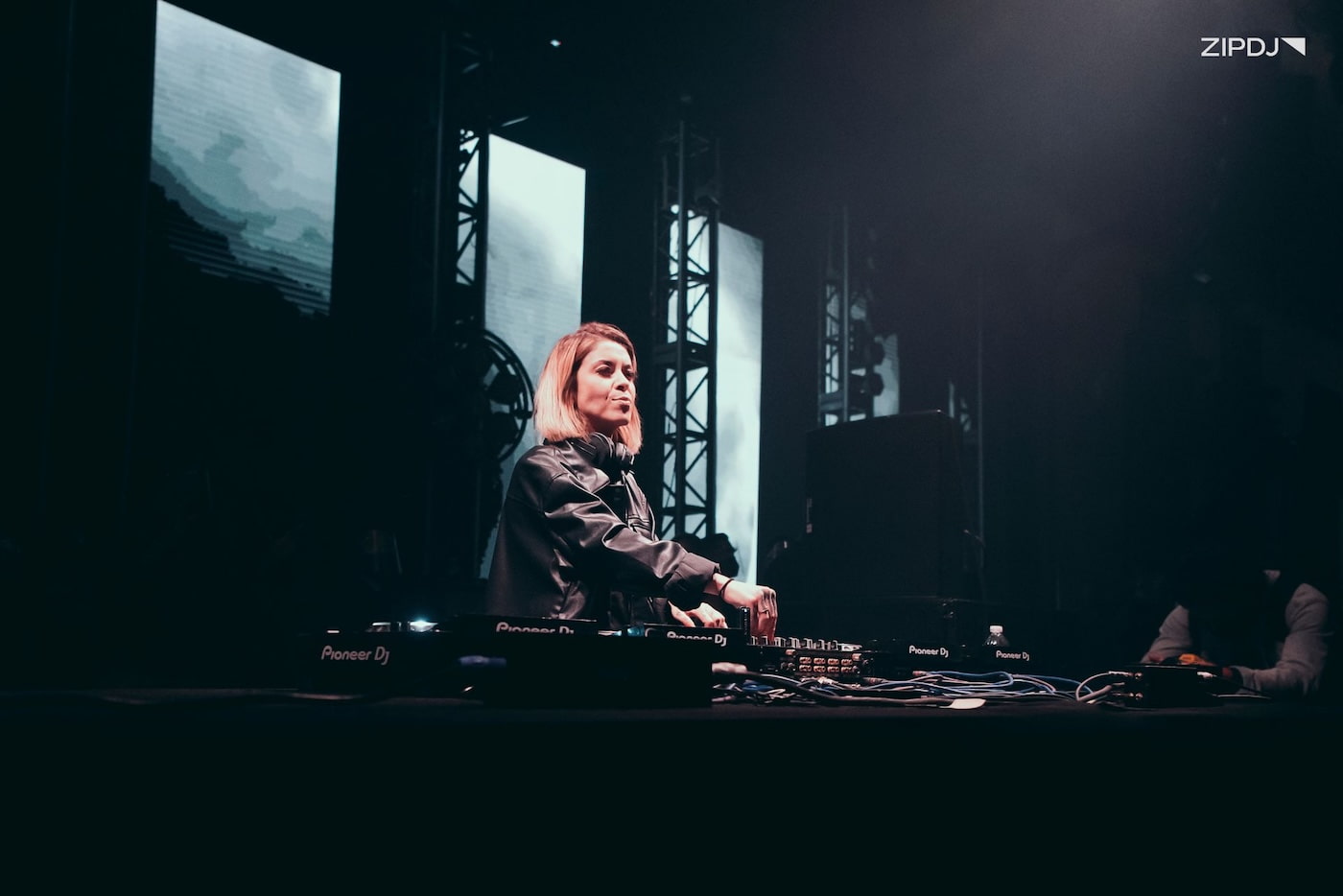
- Planning for a DJ set: If you’re a gigging DJ, playlists are an excellent tool for planning and organizing upcoming performances. Use them for general planning, choosing the best songs for a wedding, or shortlisting tracks to use.
- Organizing how-to tutorials and guides: YouTube is well-known for its in-depth guides covering a range of topics for both beginners and experts. Whether posting your own tutorials or learning a new skill, playlists can help keep everything organized.
With no limitations on what you can include in a YouTube playlist, it’s a versatile tool that can help with a variety of tasks.
How To Make A Playlist On YouTube In 2025 (Step-By-Step)
Whether creating a personal YouTube playlist for music or sharing your creative ideas, the process of setting one up is the same.
Let’s break down how to make a playlist on YouTube and the tools you can use to organize and maintain them.
Step 1: Create A YouTube Account & Sign In
If you don’t already have an account on YouTube, you’ll need to create one before you can start building playlists
Here’s how to create an account on YouTube:
- Go to the YouTube homepage and click Sign In in the top right corner.
- Click “Create Account” and select the appropriate option for your channel (for personal use, for a child, or for work/business purposes).
- If you don’t have one, create a Google account. Follow the instructions to enter your name, birthdate, gender, and desired Gmail address.
- Select a password and add a recovery email address or phone number for enhanced security.
- Agree to Google’s terms of service.
- Once signed in, you can create a YouTube channel by clicking on your profile picture and selecting Create A Channel.
- Name your YouTube channel and click Create.
You’re now ready to research content on the platform and select multiple videos for your YouTube playlists.
Step 2: Research Videos For Your Playlist
Before creating a YouTube playlist, take the time to research the platform to find the best content o include.
If you’re interested in music, you can research the best club DJs and see what videos they share on their channels.
YouTube video quality is variable, and it often features multiple videos of the same song, so you can research the best quality versions.
The same applies to tutorials, with many channels covering various topics, so it’s best to research your options before creating a playlist.
As you research content, you can add it to your favorite videos or bookmark the YouTube URL for future reference.
Step 3: Create A YouTube Playlist On The Browser Version
The browser version of YouTube is easy to use for playlists, with a few simple steps to get one up and running.
Follow these instructions to create a YouTube playlist on the browser version:
- Open the YouTube homepage and sign in to your account.
- Select the first video you want to include in your playlist and open it up.
- Click the button with three dots below the video, then click Save, and select the Create New Playlist option.
- Name your playlists and set the privacy setting in the pop-up window, then click Create when ready.
- With your playlist created, you can start adding multiple videos. To do this from your own videos:
- Choose the video you want to add to the playlist.
- Click on the Save button.
- Select your new YouTube playlist.
- While watching a video, click on the Save button below the video.
- Choose your playlist from the list or create a new one.
- Once you’ve added your videos, you can drag and drop them within the list to arrange the order. Click and hold the video, then drag it to the desired position.
- Save any changes you’ve made to your playlist.
You can replicate this process across multiple playlists on YouTube to build up a collection of content.
Read next: Learn how to transition songs on Spotify in 10 steps.
Step 4: Create A YouTube Playlist On The Mobile App
If you’re using YouTube on your smartphone or a tablet, here’s how to make a playlist on your channel:
- Open the YouTube app and sign in to your account.
- Navigate to the first video or song you wish to include in the playlist.
- Tap the Save button under the video, then tap Change and choose the New Playlist option in the pop-up.
- Select a name for your playlist in the provided field, then set the privacy settings for your playlist and tap Create.
- Once your playlist is created, you can start adding more videos to it by tapping on the Save button below each video. You can add videos to your playlist from the list or create a new playlist.
- Rearrange the order of your playlist by tapping and holding on a video, then dragging it to the desired position.
- Once you’ve finalized any adjustments to your playlist, tap Save.
The YouTube app is an excellent way to build playlists while commuting or travelling, building up your catalog of entertainment.
Step 5: Create A Playlist On YouTube Music
For those who have signed up for the YouTube Music platform, here’s how to create a playlist on this version:
- Open the YouTube Music App on your smartphone or browser and sign in.
- Select the option to create a new playlist, represented by the + New Playlist button in the left-hand menu.
- Choose a name for your playlist, add a description, select your privacy settings, and tap Create.
- Start adding videos to your playlist using the following method:
- Use the search bar to find a video.
- Tap on the video, then tap the three dots.
- Select Save to playlist and assign the video to your preferred playlist.
- Save any changes you make to your playlist before leaving the platform.
This simple but effective process transforms YouTube Music into a powerful tool for DJs to organize their upcoming sets.
Step 6: Customize Your YouTube Playlists
Whether building a playlist of DJ mixing tips or favorite songs, YouTube playlist customization will help refine your choices.
This can be performed in the app version of YouTube or through the YouTube Studio platform on desktop computers.
You can do this by tapping on the three dots to bring up the playlist settings, changing the privacy setting, and other actions.
Customization includes changing the playlist’s title and description, which can improve search results through SEO.
You can also apply a custom thumbnail to draw more attention from YouTube users and promote your channel’s brand.
Step 7: Organize and Maintain Your Playlist
Whatever type of content you’re adding, maintaining, and organizing your playlists is essential for keeping track of everything.
This begins with reviewing your playlists to see if higher-quality versions of content are available to update your lists.
YouTube videos are sometimes removed due to copyright violations or user removal, and maintenance will flag these instances.
To remove a playlist entirely, navigate to your playlists, select “Delete Playlist,” and confirm your decision.
Step 8: Create Themed Playlists
Themed playlists are an excellent way to make the most of the format, from music for special occasions to background entertainment.
You can use playlists to gather the best Boiler Room sets in one place or collections of live performances from your favorite DJs.
Themed playlists are also great for keeping all of your favorite music in one place, from the best summer songs to genre and artist-specific lists.
They can also help organize other content, such as videos from your favorite TV shows and popular movies.
If you’re a content creator, you can easily compile themed playlists around family events or professional work.
Step 9: Share & Collaborate On Playlists
YouTube playlists are also open for collaboration between two or more users, with a few simple steps to get started.
Whether you’re sharing a back-to-back DJ set or involving your family members, it’s an excellent way to build comprehensive playlists quickly.
To collaborate on a playlist, open the playlist and follow these instructions:
- Select the Share option.
- Choose the Invite Collaborators option.
- Select the individuals you wish to invite.
It’s a simple but fun way to draw inspiration from other content creators and friends, pooling knowledge on a particular topic.
Step 10: Understand YouTube Playlist Analytics
YouTube Studio features a range of powerful tools for analyzing the performance of uploaded videos and playlists.
These tools are vital for YouTube monetization, enabling channel owners to identify which content is gaining traction and which isn’t.
To access these features, head to your playlist in the YouTube Studio platform and select the one you want to analyze.
Clicking on the Analytics option will present information on your playlist’s total views, overall watch time, and other metrics.
YouTube Playlist Alternatives
Playlist creation on YouTube is easy, but there are other platforms you can use to create various playlists for your music collection.
Here are some YouTube playlist alternatives you can consider using to manage your favorite music:
- Apple Music: Apple Music is one of the most popular music streaming platforms, with millions of tracks to choose from. You can create multiple playlists, collaborate on lists with friends, and integrate them with Shazam.
- Spotify: The go-to platform for music fans, Spotify offers a wealth of excellent, curated playlists to inspire your choices. It’s a robust and expanding resource for both DJs and music lovers.
- TIDAL: If you’re serious about audio quality, TIDAL is the streaming service of choice for high-quality music. Create personalized mixes, artist-focused playlists, and other curated selections.
- Amazon Music: With on-demand playback and offline listening, Amazon Music’s playlists are impressive to use. Like Spotify, the platform also features Amazon’s curated playlists tailored to your listening experiences.
With the rise of blockchain music, the industry is transforming, and new approaches to streaming and playlists are on the horizon.
Explore ZIPDJ’s competitive pricing options.
Summary
With its robust and user-friendly interface, as well as numerous videos, YouTube is the go-to platform for creating dynamic playlists.
You can use this guide to create a YouTube playlist featuring all the videos you want to reference or share.
Combined with search engine optimization, it’s a powerful resource for growing an audience or building a brand.
Not a member ?
Join Today for Unlimited Music Downloads. Visit zipdj.com for more information.