CDJs vs Controllers: What’s the Difference?

May 26, 2026
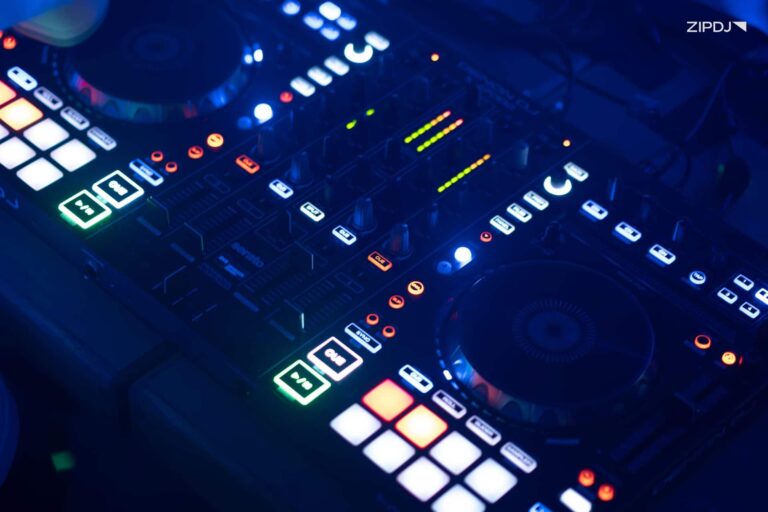
CDJs and DJ controllers are designed for different types of DJ workflows, from club-standard setups to portable all-in-one systems.
While DJ controllers are typically more affordable and beginner-friendly, CDJs are favored by professional and club DJs for their standalone performance workflow and layout.
This guide compares CDJs and controllers in detail, including pricing, portability, workflow, learning curve, and club readiness, to help you choose the right DJ setup for your needs.

CDJs vs Controllers at a Glance
CDJs are professional standalone media players used in clubs, while DJ controllers are portable all-in-one systems designed for software-based DJing.
Before comparing CDJs and controllers further, here’s a quick overview of the main differences:
| Feature | CDJs | DJ Controllers |
|---|---|---|
| Setup Type | Standalone media player | All-in-one hardware/software |
| Club Standard | Yes | Less common |
| Portability | Lower | Higher |
| Learning Curve | Higher | Easier |
| Cost | Higher | More affordable |
| Laptop Required | Usually no | Usually yes |
| Best For | Club DJs | Beginners/home DJs |
CDJs vs Controllers: Key Differences Explained
With the DJ equipment market continuing to expand, there’s a wealth of options for both CDJs and controllers for DJs to explore.
Let’s take a closer look at the key differences, from pricing and portability to the other equipment needed to get started:
Pricing
DJ controllers vary wildly in pricing, from entry-level options for beginners that cover the core features to high-end models.
In contrast, CDJs are typically more expensive, as they’re designed for professional environments and require additional components.
While controllers often prioritize affordability, CDJs are oriented towards a high-end workflow found in clubs and festivals.
Recommended reading: The 10 best DJ mixes.
Portability
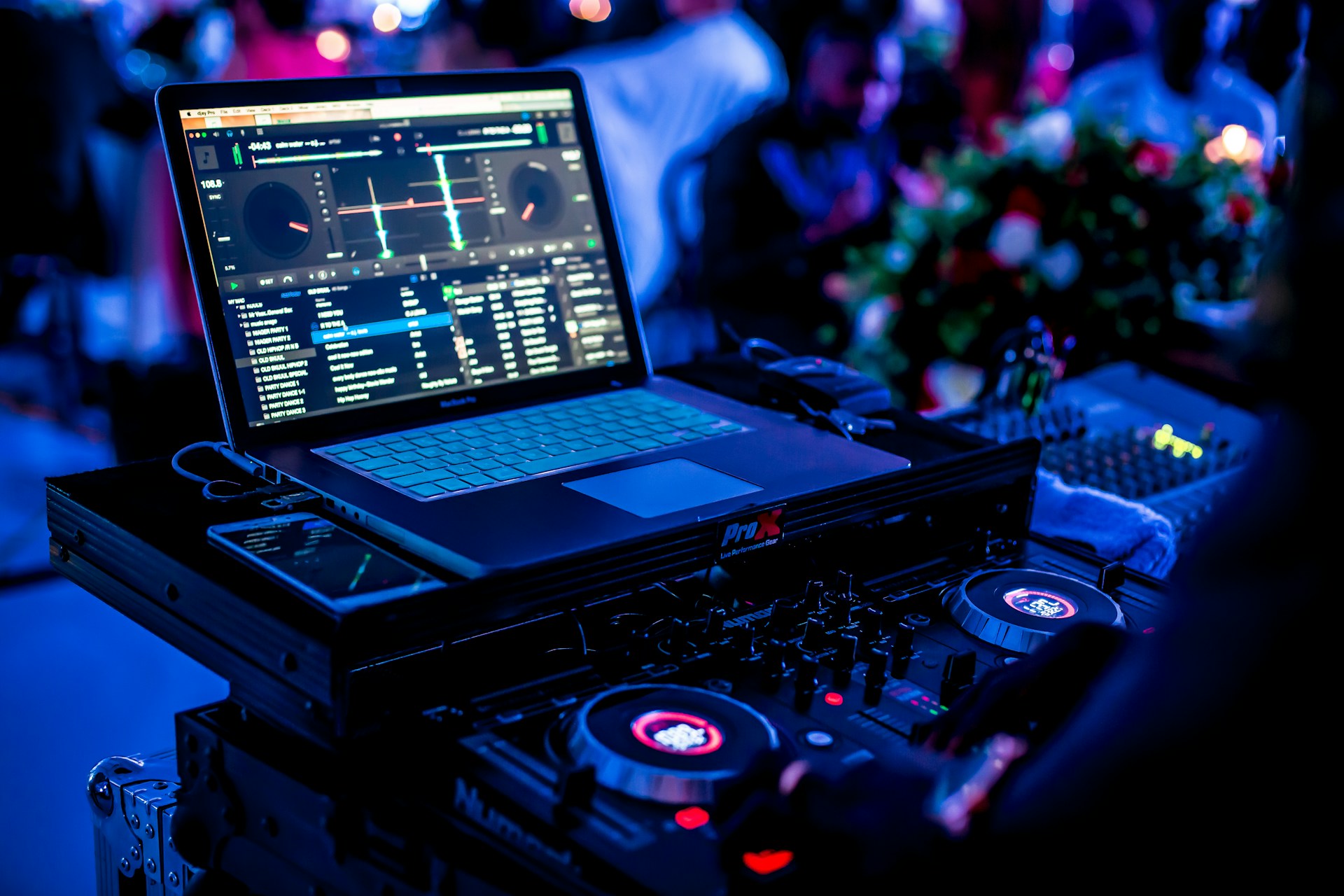
One of the biggest draws of DJ controllers is their portability, making them easier to transport to house parties, weddings, and mobile gigs.
While CDJ units are smaller than most controllers, they require additional hardware, such as external mixers, which add to the setup’s size.
This is why many mobile DJ setups use DJ controllers, since they can be easily transported to venues with less space required.
Setup & Equipment Requirements
The all-in-one design of DJ controllers means fewer additional components are needed compared to CDJs.
DJs can easily connect headphones and speakers directly to the unit, whereas CDJs must be run through a dedicated mixer.
By minimizing the amount of additional gear required, controllers deliver a more beginner-friendly setup for casual DJing.
Software Dependency
DJ controllers rely on software that allows them to serve as a physical interface connecting to a laptop and music library.
Conversely, modern CDJs can perform without a laptop, although many DJs still prepare playlists, cue points, and beat grids using Rekordbox.
The best DJ software for beginners provides the core tools for DJing, including waveform displays, syncing, and effects tools.
Workflow, Mixing Feel & Performance
Perhaps the most notable difference between CDJs and controllers is the workflow and how this impacts the overall performance experience.
CDJs mimic the traditional tactile feel of club DJing on turntables, with responsive jog wheels paired with a dedicated mixer.
Most controllers offer a more integrated, space-saving workflow by combining mixer and deck controls into one unit.
Performance Features & Flexibility
High-end DJ controllers have evolved considerably, with extensive performance-oriented features including pads, loops, and stem separation.
With CDJs, a more precise mixing style is possible, performing long transitions in conjunction with the mixer’s EQ and effects tools.
While both can be used to perform advanced mixing techniques, controllers include the necessary features directly in the hardware.
Learning Curve
If you’re a complete beginner, entry-level DJ controllers are the go-to for learning the ropes with onboard guidance features.
DJs with strong manual skills, however, who don’t need software visualization, prefer the robust functionality CDJs offer.
That said, learning basic skills like beat-matching on CDJs (or turntables) will lay the groundwork for performing in professional club environments.
Club Readiness
CDJs have been the industry standard for decades, used by the best club DJs in the world’s biggest venues and festivals.
While professional mobile and wedding DJs often use controllers, it’s uncommon to find these in dedicated nightclub booths and festival setups.
For most clubs, Pioneer DJ or AlphaTheta CDJ systems are commonplace, thanks to their durability and reliability.
Learn more: How to structure a DJ set.
What Is a CDJ?
CDJs are professional digital media players widely used in clubs and at festivals, initially developed for compact disc performances.
Modern CDJs have expanded their feature set to include USB drive and SD card support, allowing DJs to access large music libraries.
Here’s an overview of their core features and the pros and cons DJs can expect when using CDJs in their workflow.
CDJ Core Features
With over 30 years of CDJ technology, the hardware’s core features have evolved to deliver comprehensive performance tools.
Designed for reliability and precision control, CDJ core features include:
- Performance controls: CDJs feature a range of controls for enhancing DJ performances, including hot cues, auto loops, beat jumps, and a slip mode for scratching.
- Music media and navigation: While initially designed solely for mixing with CDs, the hardware now allows DJs to access media from flash drives and SD cards without requiring software.
- High-resolution jog wheels: Touch-sensitive platters designed to capture the tactile feel of turntable mixing are another core feature that makes CDJs popular among experienced DJs.
- High-res audio support: The best CDJs include advanced onboard audio processing, with studio-grade sound quality of up to 96 kHz/32-bit floating on flagship models.
Advantages of Using CDJs
With their prominence in venues and consistent reliability, CDJs have developed an impressive reputation among serious DJs.
Here are some advantages to using CDJs as part of your performance workflow:
- Gaining familiarity with the primary gear that DJs are expected to be familiar with when performing professional sets.
- DJing without a laptop and the associated software, saving on space and setup time.
- Enjoying high-end audio that represents the best quality your music sources have to offer.
- Providing a degree of reliability for long performances without worrying about system failure.
Disadvantages of Using CDJs
While CDJs are the go-to for pros, DJing can be hard on such hardware if you’re new to the hobby.
Let’s break down some of the disadvantages of using CDJs for your sets:
- A steeper learning curve that requires a grasp of external hardware functionality, such as a dedicated mixer.
- Restricted portability, with multiple hardware, including an additional CDJ, mixer, and flight case.
- Fewer integrated performance features and pads compared to fully integrated DJ controllers.
- A higher overall cost, both for the units themselves and when considering additional hardware requirements.
When Should You Use CDJs?
With their adoption in professional venues, using CDJs is highly recommended for anyone considering becoming a club DJ.
Alongside preparing for mixing in nightclubs and landing professional residencies, CDJs are also commonly installed at festivals.
Likewise, if you’d prefer to DJ with standalone mixing equipment that doesn’t require a laptop, CDJs are the best option.
What Is a DJ Controller?
A DJ controller is an all-in-one device that blends the functions of a mixer along with jog wheels, effects, and software integration.
When paired with a laptop and DJ software, controllers replicate club-standard layouts in a portable system.
This versatility and accessibility have made controllers hugely popular among DJs performing at mobile events or livestreaming sets online.
DJ Controller Core Features
Modern DJ controllers combine traditional mixing controls with software-driven tools that replicate club-standard layouts.
Here are some of the core features you can expect when investing in a new DJ controller:
- Left and right decks: Emulating traditional turntables with twin decks, controllers include jog wheels, pitch faders, and transport controls for a full DJing experience.
- Mixer section: The best DJ controllers also include robust mixing tools, with channel faders, a crossfader, EQs, and filter knobs.
- Performance pads: Multi-colored, velocity-sensitive pads are another core DJ controller feature that DJs can use for hot cues, looping, and triggering samples.
- Built-in audio interface: Standard on most controllers, the built-in sound card connects to DJ speakers and is ready for a performance.
Advantages of Using DJ Controllers
DJ controllers dominate the hobbyist space in the DJing community, which is why they’ve become the default starting point for many beginner DJs.
Here are some of the main reasons why opting for a controller is beneficial:
- Providing a budget-friendly entry point for approaching DJ sets for beginners with a shallow learning curve.
- Offering a lightweight and portable solution for gigging DJs who typically perform at venues that lack a pre-installed setup.
- Accessing extensive DJ software features, such as library management and track visualization, making DJing easier to master.
- Performing DJ sets on livestreams and recording sets with ease to share online or for posterity.
Disadvantages of Using DJ Controllers
DJ controllers are versatile, but this one-size-fits-all approach can also bring some limitations, particularly for experienced DJs.
Let’s explore some of the disadvantages of DJ controllers in more detail:
- DJ controllers require a laptop to function correctly, which can increase your budget if you don’t already have one.
- The smaller jog wheels can be challenging for some types of DJing, particularly for those interested in learning how to scratch.
- While some controllers emulate club-standard workflows, others offer limited features and functionality for high-end mixing techniques.
- Audio quality can be variable, with cheaper models lacking due to their internal hardware components and output configurations.
When Should You Use a DJ Controller?
If you’re considering becoming a DJ on a budget and want a space-saving option, DJ controllers are your best option.
Affordable and portable, controllers are ideal for everything from home DJing to house parties, weddings, and mobile DJ performances.
Thanks to their software integration, they’re also suitable for livestreaming and other content creation for online DJs.
Are CDJs or Controllers Better for Beginners?
If you’re approaching DJ mixing for beginners, choosing between CDJs or controllers can significantly impact your experience.
Here are some considerations to help you decide which hardware is best for you:
Choose a controller if:
- You’re learning the fundamentals and referencing DJ mixing tips to help master core techniques.
- Your budget is limited, and you want a one-stop solution that keeps costs down.
- Portability is a key consideration, such as transporting your setup to gigs or house parties.
Choose CDJs if:
- You’re training for clubs and other dedicated music venues with high-end, professional systems installed.
- You prefer standalone setups that don’t require a laptop to get up and running.
- You’re looking to master the industry-standard workflow to prepare for performing in venues regularly.
Find out more: What does a DJ mixer do?
Best CDJs & DJ Controllers for Every Budget
With dozens of DJ equipment brands and countless models to choose from, it can be challenging to invest in the best option.
To help you narrow down your choices, we’ve highlighted a selection of CDJs and controllers, from budget-friendly models to flagship releases.
CDJs
For those who want to experience a club-standard DJing workflow, here are some highly recommended CDJs from various price ranges:
- Budget-friendly: Entry-level CDJs are more expensive than DJ controllers, with models like the Pioneer DJ XDJ-700 costing around $850 per deck.
- Mid-tier: If you want full-sized physical controls and high-res audio, consider investing in the Pioneer DJ XDJ-1000Mk2, which comes with a dedicated digital output and Pro DJ Link.
- Flagship models: Flagship models like AlphaTheta’s CDJ-3000X are club standard, featuring large touchscreen displays, built-in Wi-Fi, and allowing DJs to stream directly from Beatport and TIDAL.
DJ Controllers
If you’d prefer the all-in-one accessibility of a DJ controller, consider investing in one of these models:
- Budget-friendly: With pricing under $500, beginner DJ equipment like the Pioneer DJ DDJ-FLX4 and Numark Mixtrack Pro FX DJ controllers is ideal for beginners who don’t have large budgets.
- Mid-tier: Sitting around the $1000 price point are models such as the AlphaTheta DDJ-GRV6 and Denon DJ SC LIVE 4, with expanded features and better build quality.
- Flagship models: For high-end DJing, the AlphaTheta XDJ-AZ and Rane System One for scratching are often used by professionals.
Read this next: The best DJ equipment.
Summary
CDJs and DJ controllers are built for different types of DJs, with CDJs dominating club and festival environments while controllers remain the preferred option for beginners, home DJs, and mobile performances.
Both offer powerful mixing capabilities, but the best choice depends on your budget, workflow preferences, portability needs, and long-term DJ goals.
As DJ technology continues to evolve, both CDJs and controllers now deliver professional-level features for every style of DJing.
Not a member ?
Join Today for Unlimited Music Downloads. Visit zipdj.com for more information.