How To Mix Music For Free In 2026

June 26, 2025
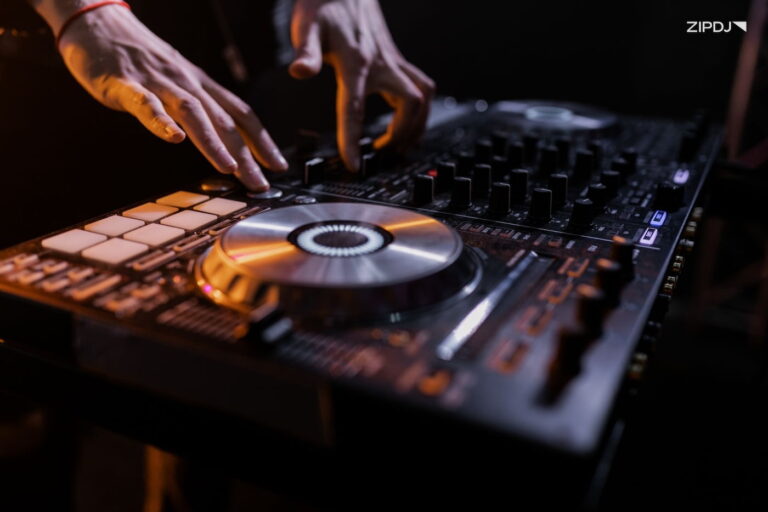
With the ever-growing popularity of DJing, there’s an impressive range of options for DJing on a low budget.
This guide breaks down how to mix music for free on various platforms, from laptop mixing to casual on-the-move smartphone DJ apps.
Whether you’re a fan of techno or cutting-edge EDM, these free programs offer an impressive range of tools.

Studio DJ Mixing Vs. Live DJ Mixing
The tools DJs use vary depending on whether they’re performing live in front of an audience or creating sets in the studio.
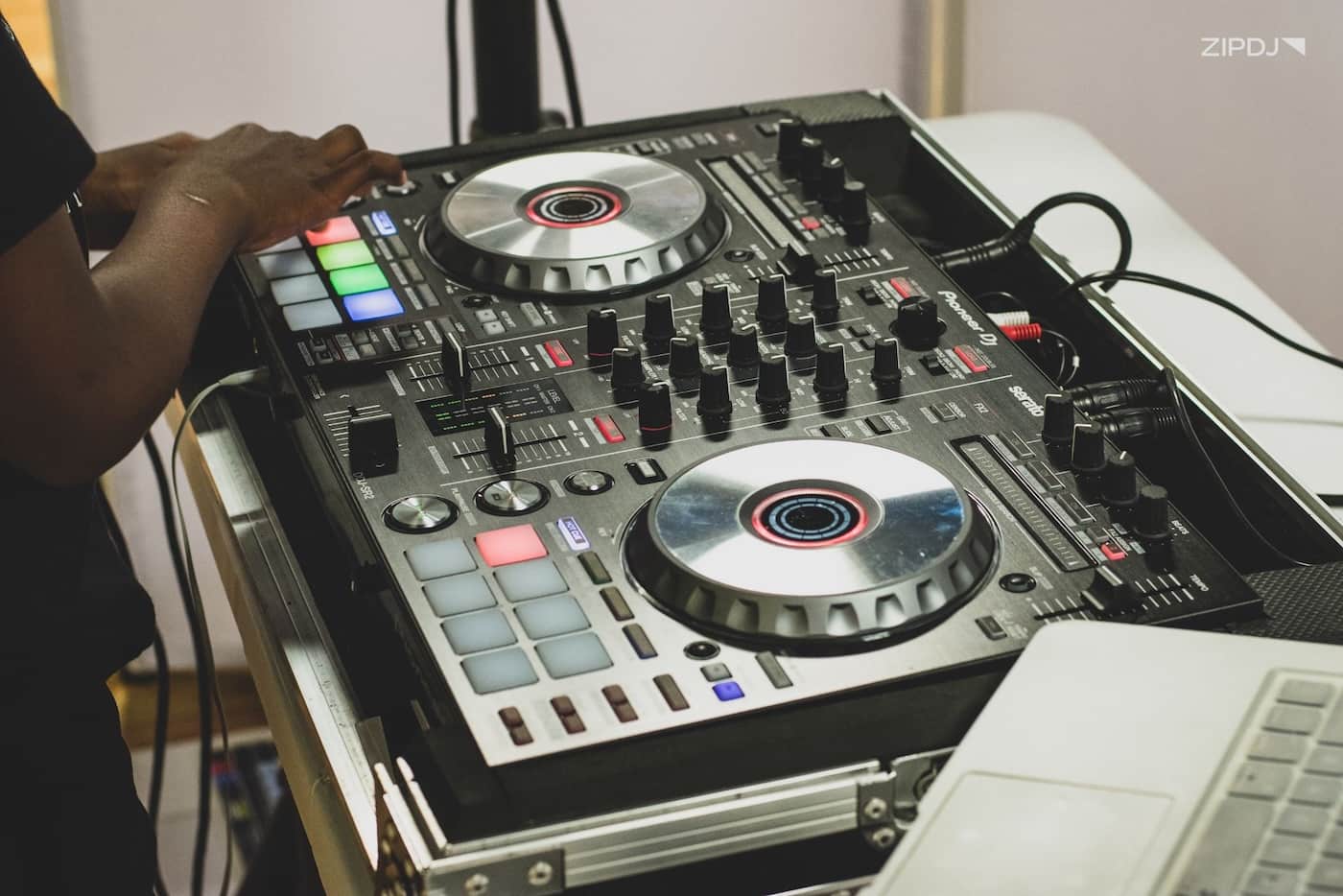
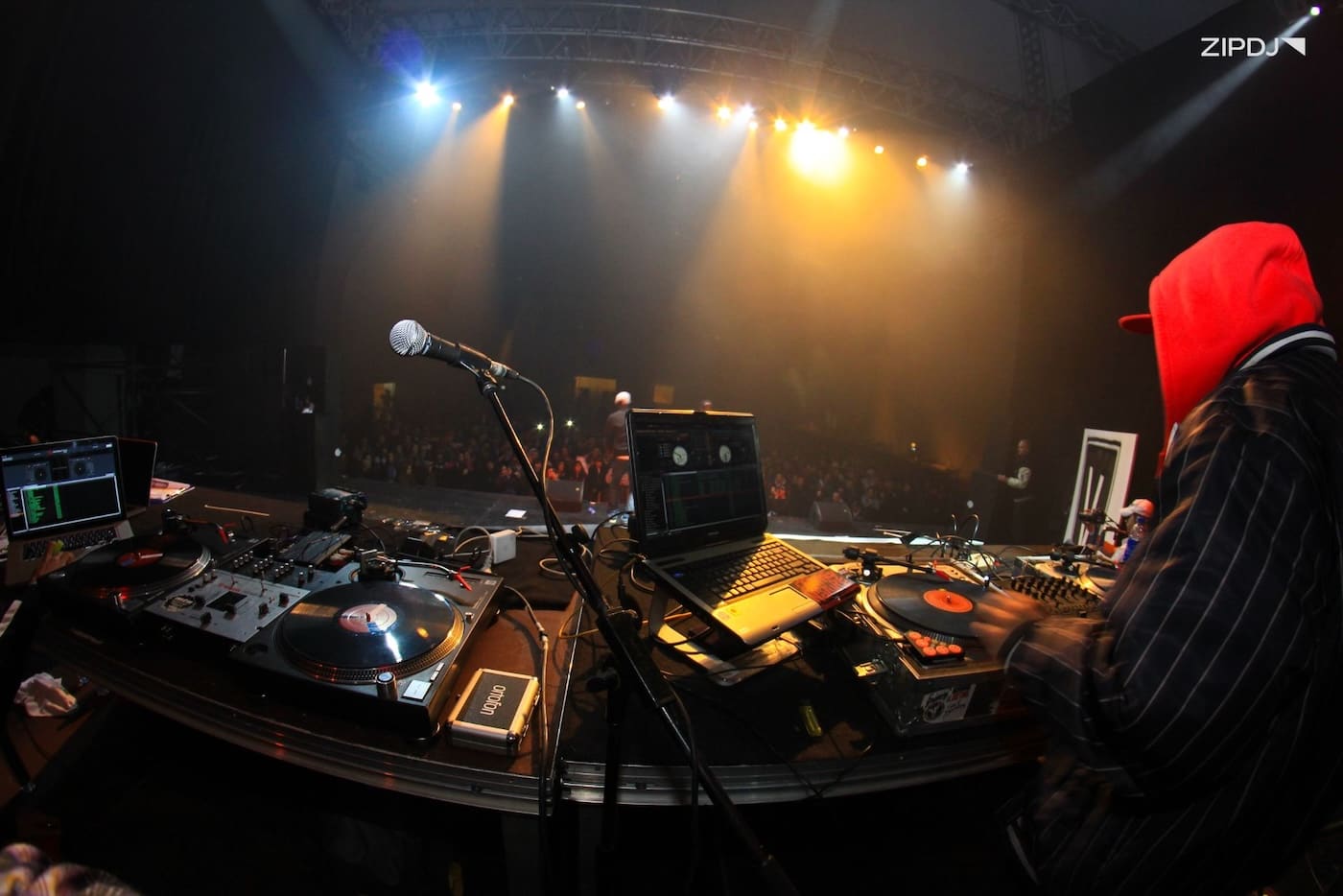
Most DJs opt to play live, preferring to spin tracks in front of a crowd using controllers and decks to mix two tracks with transitions.
It’s also possible to use DJ-friendly DAWs to craft mixes on a timeline, dedicating more time to arrangement and blending.
This guide explores the free tools available for creating a DJ set for beginners, whether on a computer or through casual smartphone apps.
Learn more: Build your music library by signing up for ZIPDJ.
How To Mix Music For Free In 2025: Step-by-Step
Setting up as a DJ has never been easier, with numerous options for free DJ software to help you get started.
Let’s break down how you can mix music for free, from zero-cost music sources to software with cross-platform compatibility.
Step 1: Acquire Royalty-Free Music
One of the most significant costs for DJs is building a comprehensive DJ music library filled with high-quality tracks for mixing into sets.
The costs of acquiring music can quickly escalate, particularly if you’re starting and have no music to mix with.
Whether paying for physical media, such as CDs and records, or purchasing digital downloads, it’s an expense that’s hard to avoid.
Fortunately, there are several resources available to acquire free music that’s ready to use in gigs or for pre-recorded DJ streams.
One method you can use is to select royalty-free music that’s fully cleared for public performance, thereby avoiding any copyright issues.
Here are some resources you can use to download royalty-free music ready to use in a DJ mix:
- YouTube: Several excellent YouTube channels provide free download links for the tracks featured on their playlists. Check out Trap City and House Nation and see what tracks they offer that match your style.
- Free Music Archive: With its carefully curated collection of free and legally licensed music for DJs, the Free Music Archive is another valuable resource.
- Jamendo: Another excellent resource for free music is Jamendo, which partners with up-and-coming independent artists to build its archives.
YouTube has also launched a free AI music creation tool that can provide additional background music for DJs creating video content.
Step 2: Use Free Downloads From Artists & Labels
In addition to downloading free-to-use music with no royalty payments required, you can build your library with artist and label giveaways.
These can be obtained directly from the artist’s or label’s website, making it sensible to sign up for the relevant mailing lists.
If there are specific artists you’re interested in, following them on social media will keep you up to speed on new free releases.
On SoundCloud, Bandcamp, and other platforms, artists often give away free tracks to fans or even entire albums.
You can also pick up free music from Beatport, which has a dedicated section covering free tracks for DJing that you can use.
If you’re a producer yourself, you can incorporate your own music into your DJ sets, using events to gauge reactions to your songs.
The more free music you collect, the more critical it is to organize your DJ playlists to ensure tracks are ready to mix into a set.
Step 3: Explore Software With Music Management Tools
Regarding music library organization, numerous free software options offer music library management tools.
A popular example is Rekordbox, which offers a free version that includes extensive tools for track analysis and categorization.
You can use this for comprehensive library management, creating playlists, and tagging with BPM, key, and waveforms.
While Rekordbox’s full version and features require a compatible Pioneer controller, it can still perform basic mixing on a laptop.
It’s a great way to learn the ropes before upgrading to the full version and venturing into controller-based DJing.
Rekordbox is among the best DJ software for beginners, but there are other free software options based on popular controller platforms.
Let’s explore some alternatives to Rekordbox that you can consider when organizing and mixing DJ sets for free.
Recommended read: Learn how to start a radio show.
Step 4: Use Free Controller-Based Software
A hugely popular alternative to Rekordbox is Serato DJ Lite, the stripped-down version of the fully-fledged Serato DJ Pro.
This completely free software is ideal for beginners, who can learn the basic mixing techniques using the included Practice Mode.
Beat matching and a range of transitions are available in Practice Mode, which can be used with a Traktor controller or on a laptop.
It includes attractively designed virtual decks with essential hot cues, along with a selection of basic yet satisfying effects.
There’s also the option to perform harmonic mixing with Serato DJ Lite, utilizing a DJ key chart to create seamless transitions.
Like Rekordbox, Serato DJ Lite is an excellent free option for anyone considering the transition from laptop to controller DJing.
Step 5: Explore Free Laptop-Only DJ Software
Rekordbox and Serato DJ Lite are excellent free DJ software options for those considering upgrading to controller mixing.
There are several alternatives for laptop DJing to consider, with free versions or trials that allow you to explore their features.
A popular option is Virtual DJ, which is ideal for beginners looking for a bright and intuitive user interface and a straightforward workflow.
Virtual DJ’s free version is fun to use and ready for non-commercial use, with versions for both Windows and macOS.
It functions as a standalone DJ mixer with real-time audio separation for harmonic mixing, and also supports karaoke video formats.
DJ.Studio includes a similar feature set but with a broader application, making it suitable for both seasoned DJs and beginners.
Harmonization tools and stem separation are combined with a wide range of effects, along with robust music library management tools.
It’s another recommended resource for anyone looking to master a variety of DJing skills without investing in hardware.
Step 6: Try Browser-Based Mixing Platforms
Another excellent feature from DJ.Studio is its browser-based mixing, which is ideal for anyone looking to mix on various computers.
Browser-based DJ mixing doesn’t require any software installation, saving time when getting set up for a set.
There are several alternatives to DJ.Studio you can use, including Beatport DJ, Beatsource DJ, and Transitions DJ.
Each of these platforms includes a selection of DJ tools for mixing tracks, whether directly from the platform’s catalog or streaming services.
For example, with Beatport DJ, users can access millions of tracks in the catalog, removing the need to acquire music elsewhere.
They’re fun and engaging resources that’re suitable for beginners, yet offer enough depth to satisfy more experienced DJs.
Step 7: Pre-Record Mixes With A Digital Audio Workstation
Pre-recorded DJ sets are becoming increasingly popular among DJs who want to take the time to fine-tune transitions.
While you can use free DJ software’s recording tools to capture a live performance, there are free digital audio workstations that offer more scope.
There are two popular options for free DAWs for the task, with Audacity and Bandcamp being widely used for creating mixes.
These give DJs exceptional control, with various effects, such as chorus, reverb, and filters, available to enhance the sound.
Load the tracks into the DAW’s timeline editor and drag them into the desired position where you want them to transition.
You can then use volume fades in and out to blend them, and adjust the EQ and apply effects for unique results.
Another advantage of pre-recording a DJ set is the ability to integrate video, make stylistic adjustments to the footage, and add titles.
You can use free video editing software, such as OpenShot or the free version of DaVinci Resolve, which is packed with various effects.
Read more: Exploring the best DJ setups.
Step 8: Explore Open-Source DJ Software
Open-source DJ software for beginners provides an alternative option for exploring DJing without incurring any costs.
One of the most popular open-source DJ programs is Mixxx, which offers a comprehensive range of features within a free platform.
In addition to the standard EQ, pitch, and beat-matching tools, Mixxx also includes key control and the option for multi-deck DJing.
There’s support for a selection of branded DJ controllers, while the inclusion of Digital Vinyl System capabilities adds breadth to its functionality.
Chipdisco is another open-source software option to consider when mixing for free, presenting a dual-deck setup for tracker modules.
Step 9: Take Advantage Of Free Trials
Many of the major players in the DJ software industry offer customers free trial versions of their flagship products.
Using these trial periods is an excellent way to assess the software’s features for mixing songs before investing in a subscription.
Serato DJ Pro, Traktor Pro 4, and the more obscure PCDJ DEX 3 all offer free trials that showcase the features of their full versions.
This can be an excellent opportunity to explore more advanced mixing skills, such as DJ stems, to see if it’s something you’re interested in.
There’s no limit on how many free trials you can sign up for, allowing you to perform side-by-side comparisons of software features.
Step 10: Try Free DJ Mixing Apps
Several of the programs outlined above, including Virtual DJ and Mixxx, also offer mobile-friendly versions that can be used on the go.
There’s a decent range of additional AI DJ software to consider if you’re focused on casual smartphone mixing.
WeDJ and djay are two options that offer free versions for casual DJs, which can be installed on either Android or iOS devices.
There’s also Edjing Mix, with a free version available and in-app purchases to unlock a selection of additional DJing features.
Read next: Find out how DJ press shots can boost your bookings.
Best Free Mixing Software
With numerous options for free mixing software available, it can be challenging to determine which one to choose.
Here’s a summary of the best free mixing software you can use to deliver high-quality and exciting DJ sets:
- Cross DJ: The Cross DJ app offers an intuitive entry point into mobile DJing, featuring a surprisingly broad range of features. In addition to library management, it includes beat matching and controlling loops.
- Mixxx: With up to four-deck mixing and pitch control for harmonic mixing, Mixxx is another highly recommended free tool. It’s compatible with a broad selection of audio file formats, including lossless FLAC, WAV, and MP3.
- Serato DJ Lite: If you’re considering Traktor-compatible hardware, Serato DJ Lite is a free, pared-down version of the Pro alternative. You can use it for laptop mixing and learn the ropes before upgrading to the Pro version.
- Virtual DJ: Another free DJ software option is Virtual DJ, which has earned a considerable following of fans thanks to its impressive features. It’s easy to learn, with full functionality across a range of MIDI controllers for hands-on DJing.
- Offtrack: If you’re looking for a laid-back and basic DJing app, Offtrack’s AI-powered tools make everything incredibly easy. The app allows you to mix music from various streaming services, including Spotify and TIDAL.
Each of these offers a fun, user-friendly DJing experience that makes them excellent for newcomers learning the core techniques.
Summary
Exploring the art of DJing has never been easier, with free software available for computers, tablets, and smartphones.
Once you’ve chosen your software, you can mix for free and explore your creativity, using the program to experiment with transitions.
It’s a powerful way to create DJ sets for all music genres, whether you’re recording a mix or playing for an audience.
Not a member ?
Join Today for Unlimited Music Downloads. Visit zipdj.com for more information.